Rich has done most of the work. Laying out the PCB was a lesson for me. I'm now a Rho-certified PCB layout guy ready to resume work on the GeekBoy.
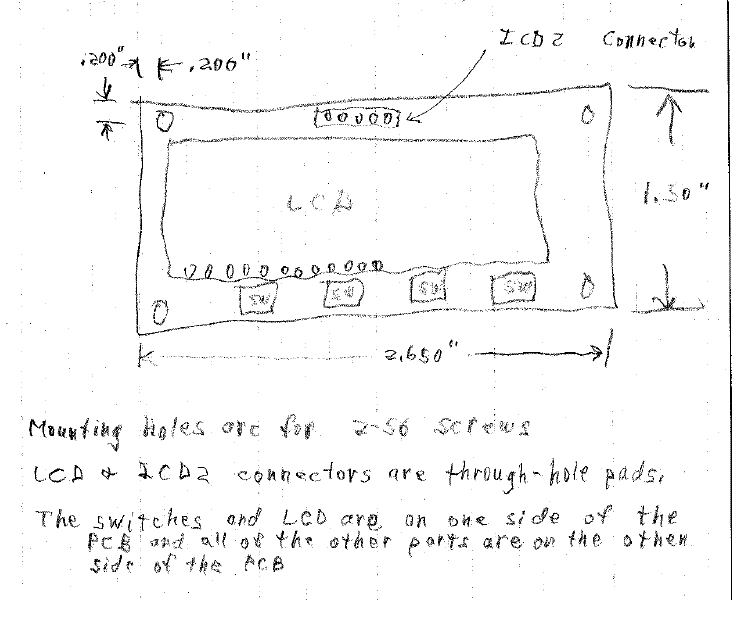
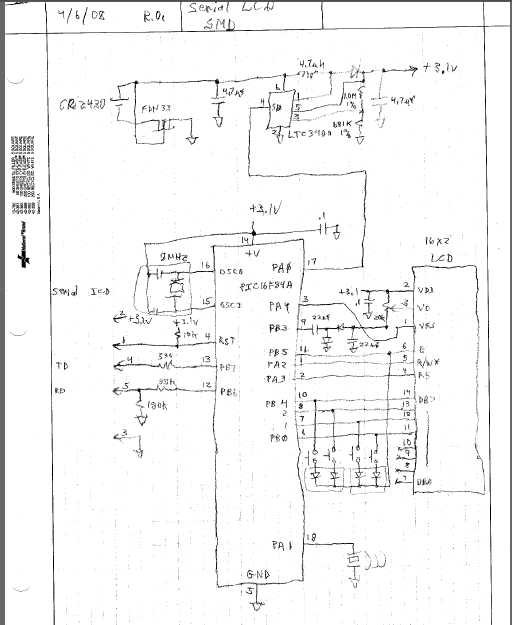
Here are Rich's original sketches:
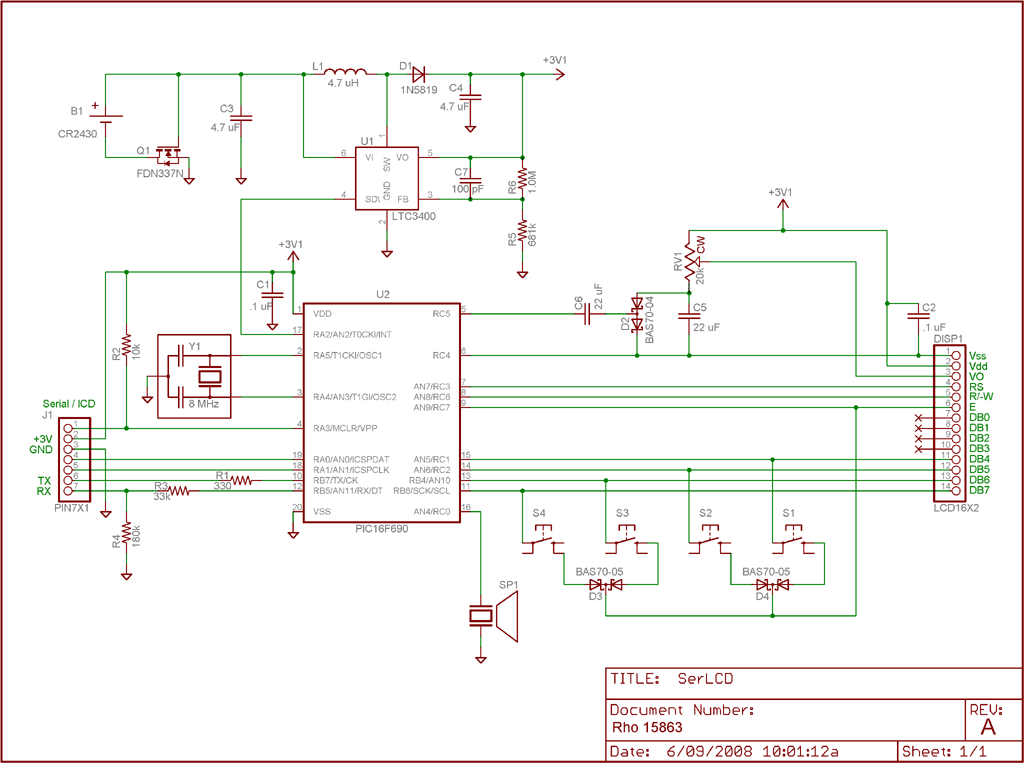
I learned the hard way that it's not a good idea to blindly use parts from existing libraries. First of all, many of the parts you want won't be there; and secondly, if they are there, they probably aren't what you really want. For instance, there are many variations on pad sizes. If you're hand soldering (as opposed to wave or reflow soldering) it's a good idea to use larger pads. It seems that everyone has a different opinion on what size pads should be.
After you've entered the schematic into EAGLE, you click on a button and presto! A pile of parts appear. The parts are connected by "air wires" (rubber bands) that show how they connect.
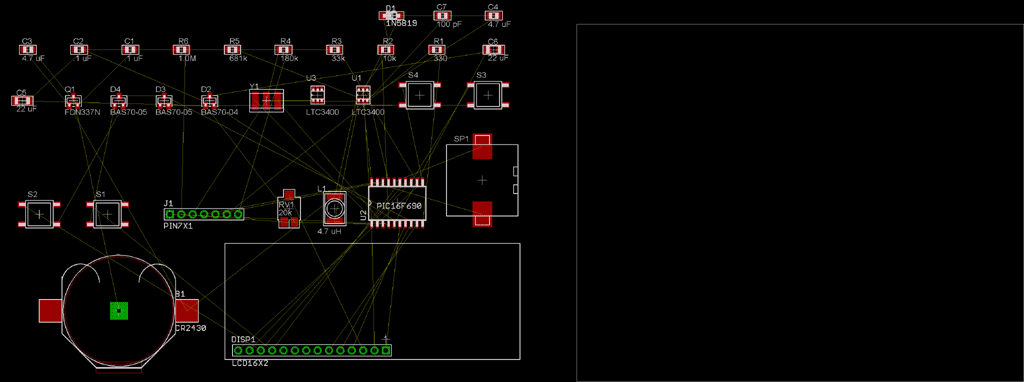
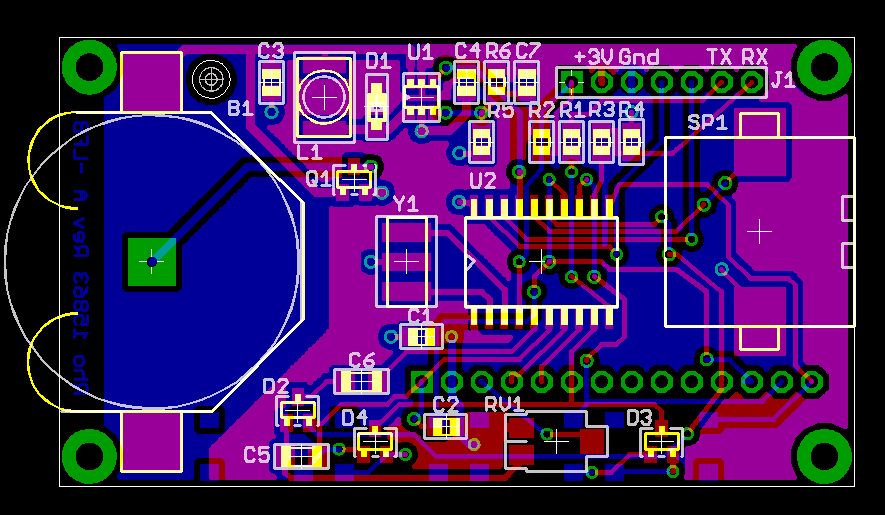
Lest I sound like an EAGLE salesman let me clarify that things didn't go nearly as smoothly as described. In fact I found EAGLE to be rather tedious. It was originally written as a UNIX program and retrofitted for Windows. Consequently it doesn't have the feel of a normal Windows program. I needed to do much experimenting to relearn basic operations such as cut and paste. Another learning hurdle was realizing that many of the defaults were just plain wrong. This was with version 4.1. There is now a version 5.0, which apparently is more Windows-friendly. Oh yeah, I downright lied about the autorouter.
Here's a link to a tutorial that I wish I saw before trying to read the manual: http://www.cadsoftusa.com/Tour/tour01.htm
Of course after you get your boards and parts you need to solder them. A clunky old fashioned iron just won't do for the tiny surface mount parts, so here's what else I got: Aoyue 2900 Lead Free Soldering Station .
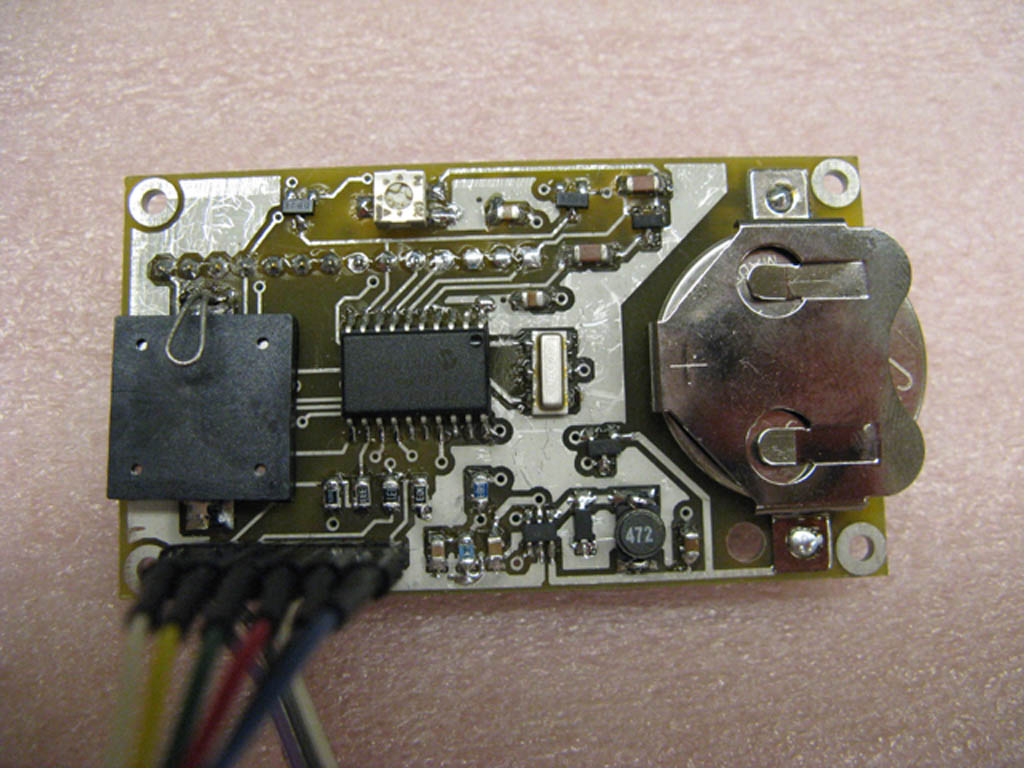
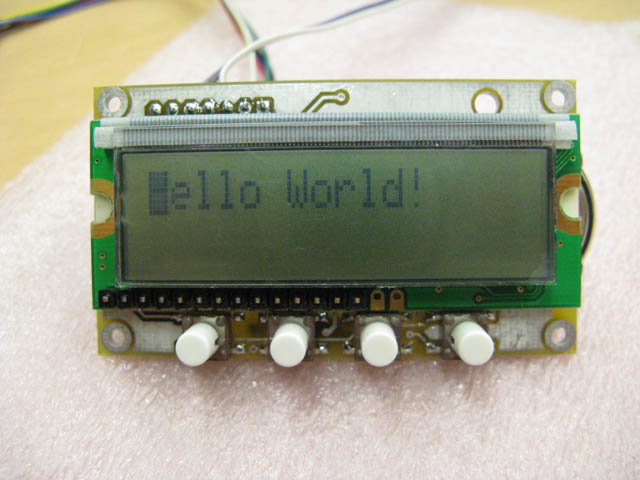
-Loren
Last updated 12-Jun-2008